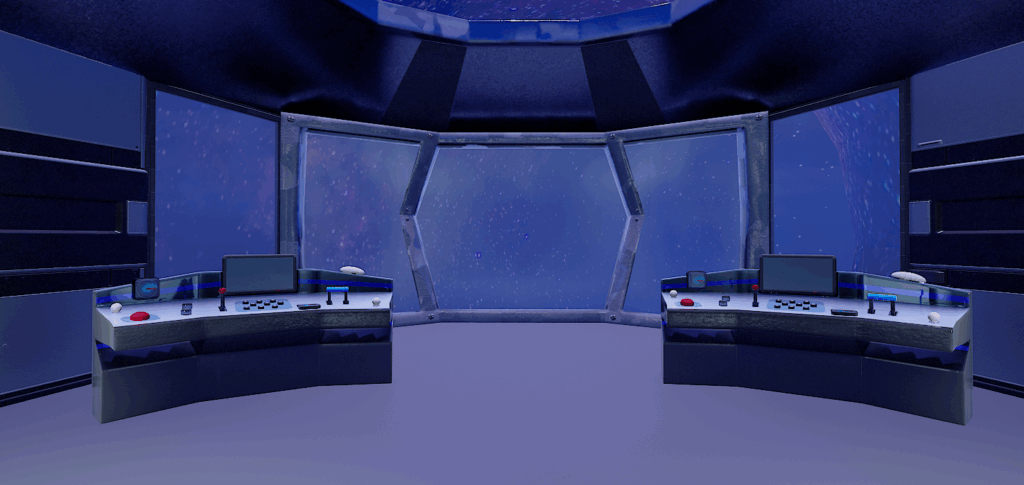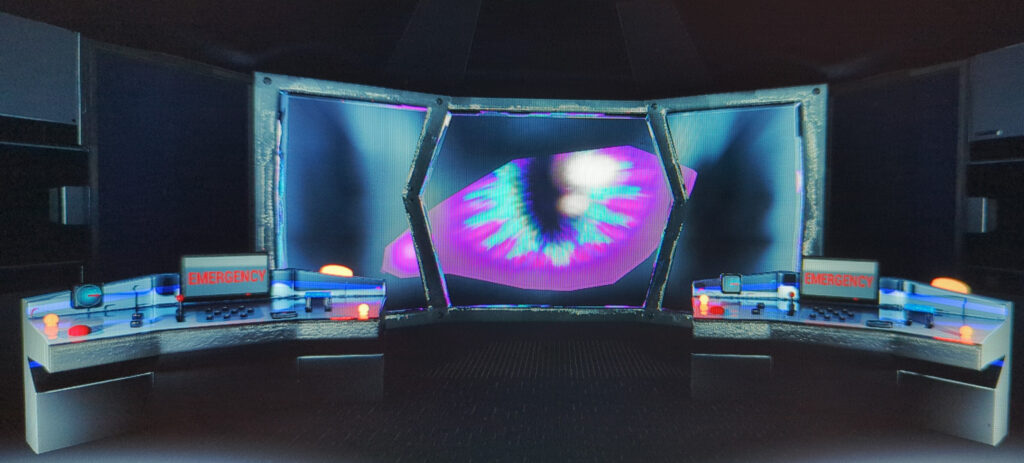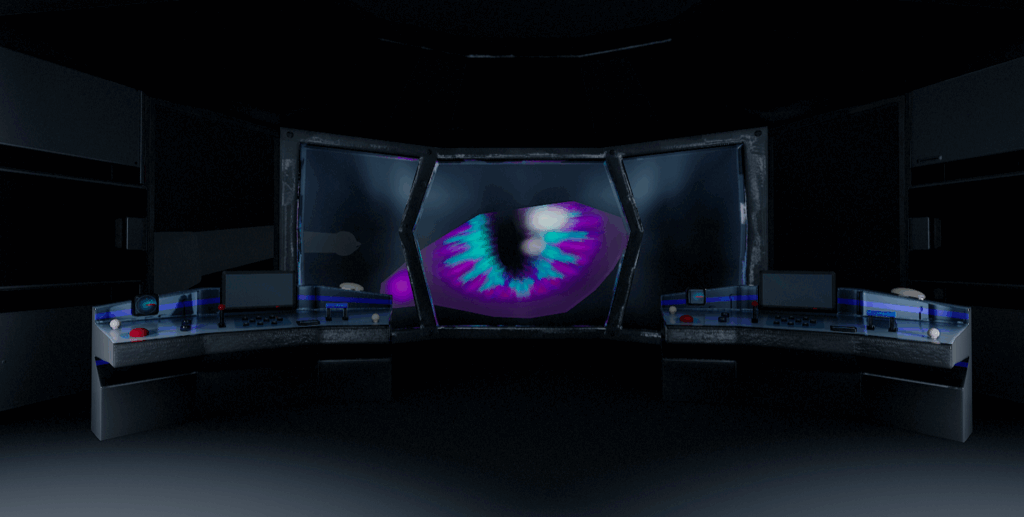
In order to complete the (Level 3) Certificate in Virtual Production at the Academy of Live Technology, and demonstrate what we’d learnt, we had to get into teams and make a a short video in 3 weeks, with a 1-day shoot in the VP studio. There was 8 people in my team (including myself) and I was really lucky to be working with some experienced TV industry professionals (including scriptwriter from EastEnders and an ex-BBC Producer/Director, and a professional actor). I was the only artist on the team which meant that the whole of the virtual environment and animations were down to me. This was a huge challenge!
I used an asset pack for some of the side wall panels, but made (using Maya and Substance Painter) all of the key assets myself, including the consoles, centre window, roof, eye, claw arm etc, and then built the virtual set in Unreal Engine. It was a steep learning curve to then understand how all of that needed to be scaled and positioned to fit onto the LED volume, once we were in the studio, and I had to adjust everything live in the studio before we could start filming (but it was quite easy to do).
During the shoot, I also acted as the VP Technician, assisting the professional VP Supervisor (provided by ALT) and had to problem solved, create some effects and make some changes on the fly, as needed. For example I came up with a way to quickly add images to the console screens to make them look more realistic, and I adjusted the lighting as needed to make sure that camera shots looked right. I also worked with one of the producers to dress the set and add real life props (including some of my own movie/sci-fi collectables) to complement my artwork, give some depth and realism to the shots/set, and give the actor something to interact with. By adding office chairs and background artists (some of my other team members), we were able to make the virtual set come to life and look more realistic.
Final video
Project gallery